Pengalaman Terbang Khas Indonesia
Perjalanan Anda dimulai
Terbang Sekarang, Kumpulkan Miles Lebih Banyak
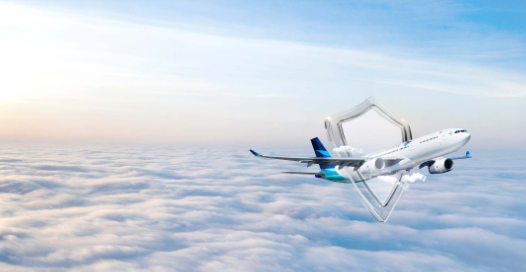
alt="GarudaMilesNews" class="w-full h-auto object-cover lg:object-contain"
src="https://contentsv3.garuda-indonesia.com/magnoliaPublic/.imaging/default/dam/Garuda-Miles-News/4fdd6dc6685da7da932d0121a94bdf62542a9bbb.png/jcr:content.png">

Terbang Lebih Menguntungkan Bersama GarudaMiles
Setiap perjalanan bersama Garuda Indonesia bukan sekedar mencapai destinasi, tetapi
kesempatan untuk mendapatkan lebih banyak keuntungan.
Kumpulkan GarudaMiles setiap kali Anda terbang bersama kami dan maskapai partner,
serta nikmati berbagai keistimewaan dan keuntungan eksklusif yang dirancang khusus
untuk Anda.
Daftarkan diri Anda sekarang dan nantikan kejutan menarik lainnya!
Perjalanan Tambahan





Pertanyaan Umum Mengenai Maskapai Kami
SelengkapnyaPengalaman Terbang Khas Indonesia

Garuda Indonesia adalah maskapai penerbangan Indonesia pertama yang bergabung dengan SkyTeam